

LMS Notes
Discover the latest features and improvements to our learning platform. Our release notes provide a clear overview of all updates in our versions—concise, easy to understand, and illustrated with real-world examples.
New Course Notification
In the course approval notification "Knowledge Test Failed," you can now also specify whether the user or the team leader will be notified. At least one notification option must be selected for the notification to be sent.
Practical Benefits: This feature enables more efficient management of the learning process by allowing users to either take immediate action on their own after failing a knowledge test or activate support from team leader .
New Feedback Reports and Adjustments
Four new reports are now available in the Feedback section:
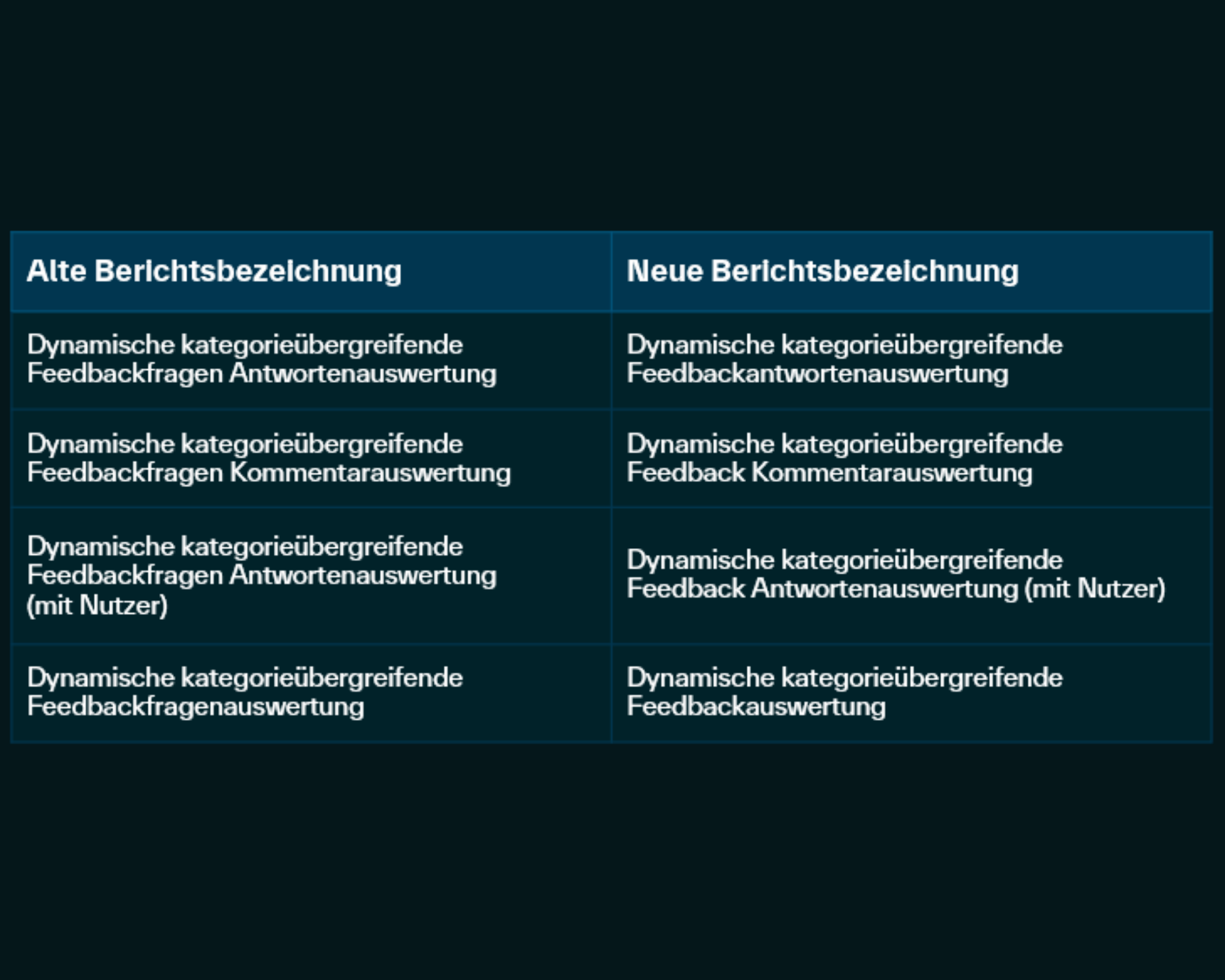
Dynamic Feedback Analysis, Dynamic Feedback Response Analysis, Dynamic Feedback Response Analysis (with User), Dynamic Feedback Comment Analysis. In addition, 4 reports were renamed. You can find an overview in the corresponding screenshot.
Change to the standard: If a time period filter is defined as a required filter in dynamic reports, only a maximum time period of two years can be selected between the start and end dates. This also applies to existing report settings. Please review your report settings accordingly.
Practical Benefits: The new feedback reports are ideal for effective quality control and enable a precise and flexible analysis of responses and comments, promoting transparency. This helps you quickly identify trends and areas for improvement.
At a Glance: Unlock New AI Features in the " LMS "
Enable advanced AI capabilities in your LMS in combination with your company's proprietary AI model:
- More Effective Content Creation and Text Optimization Using the AI Chatbot in Educational Material Development.
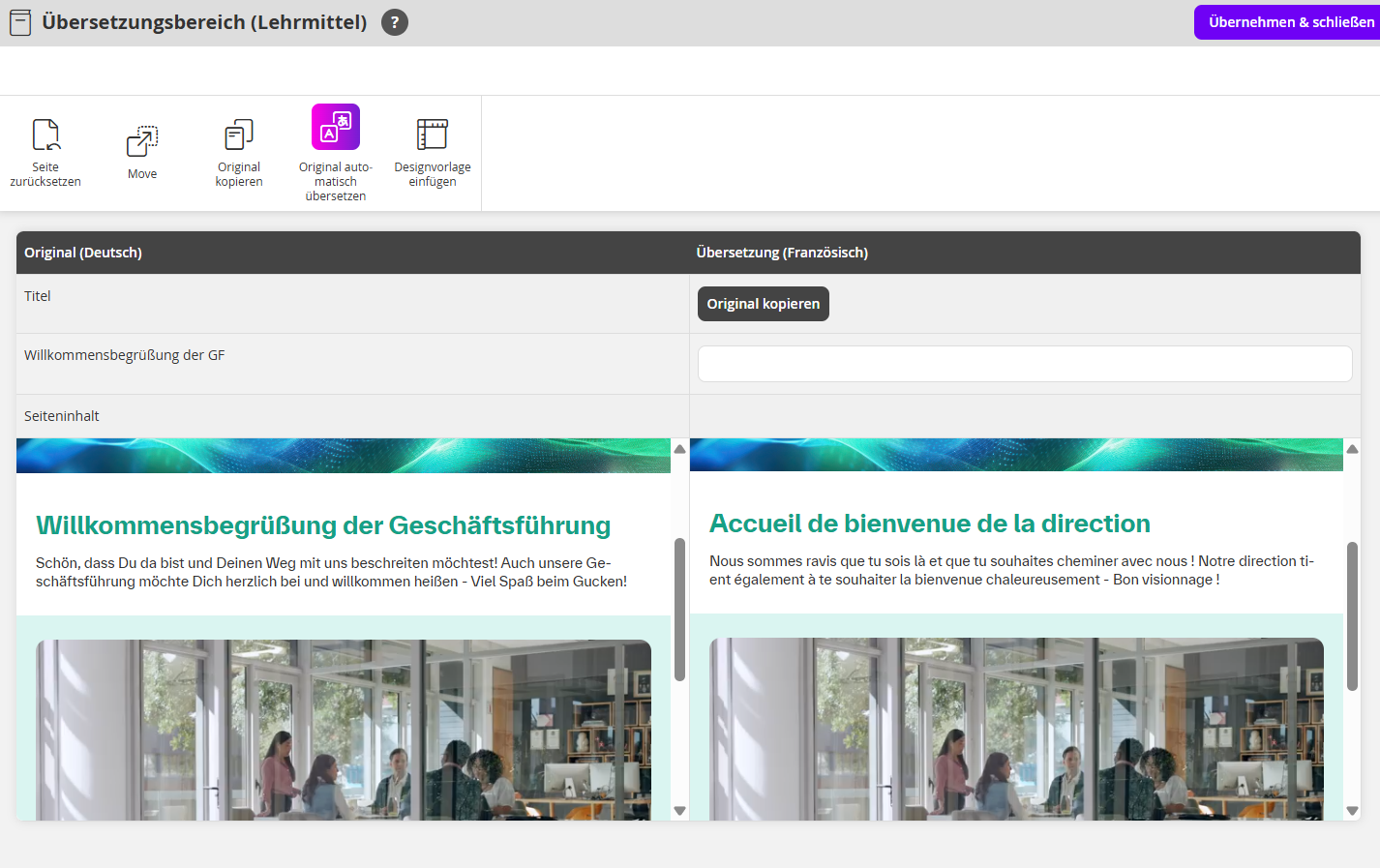
- Automatic translation in the authoring tool in over 25 languages.
- Control and configure AI features precisely using an add-on.
Please contact your contact person , and we'll let you know as soon as the add-on is available for booking.
Overview of Permissions for Backend Administrators
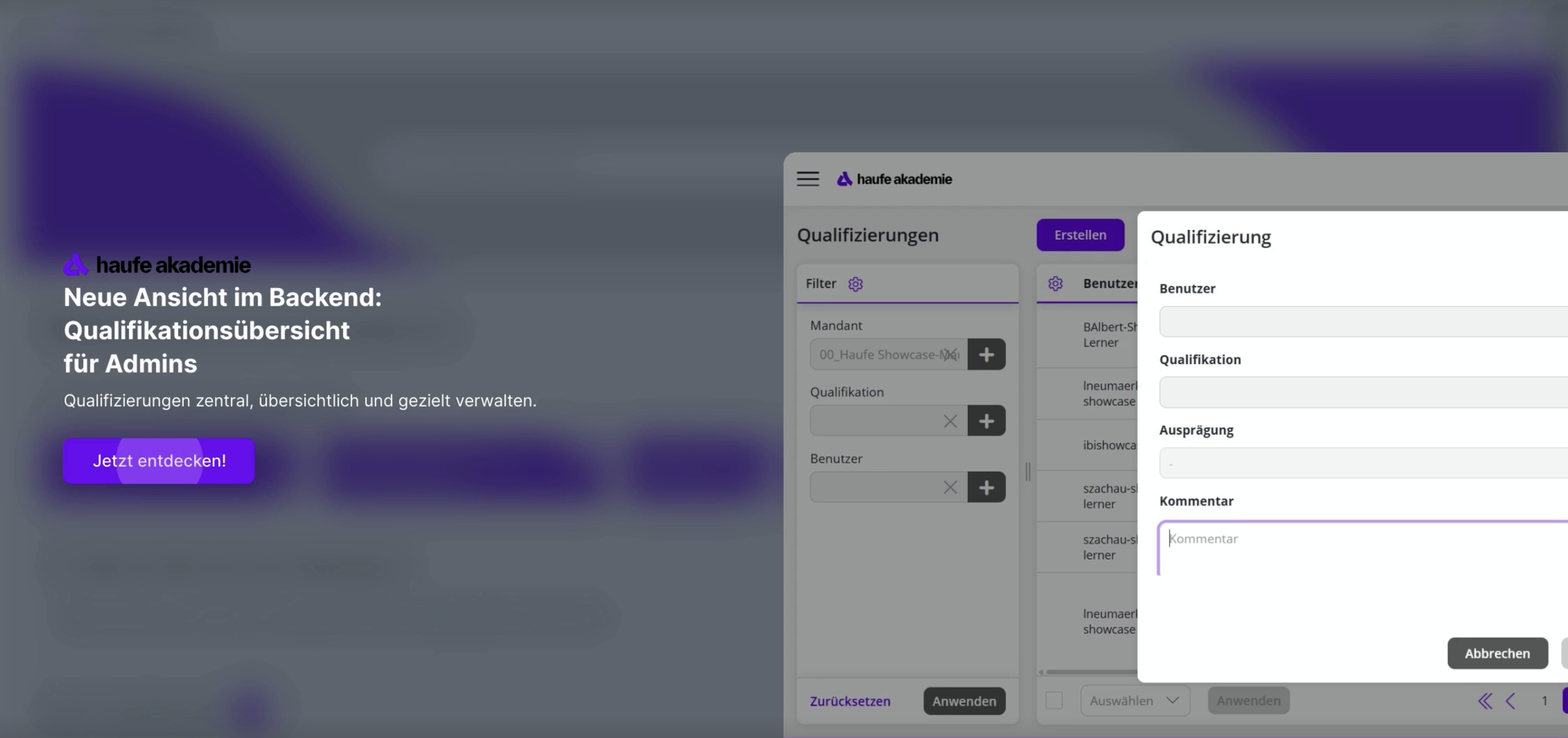
An overview of qualifications is now available in the Reports section of the backend. Authors with the appropriate permissions can users the qualifications of all users assigned to them. In this overview, you can assign new qualifications, edit existing ones, or delete them. This provides a centralized and clear way to manage qualifications effectively.
Use case: Authors can use the overview to add qualifications directly or update existing ones, for example by assigning a higher level. This allows them to document new skills that a team member has acquired through training.
Qualification filters in the Team Leader Dashboard
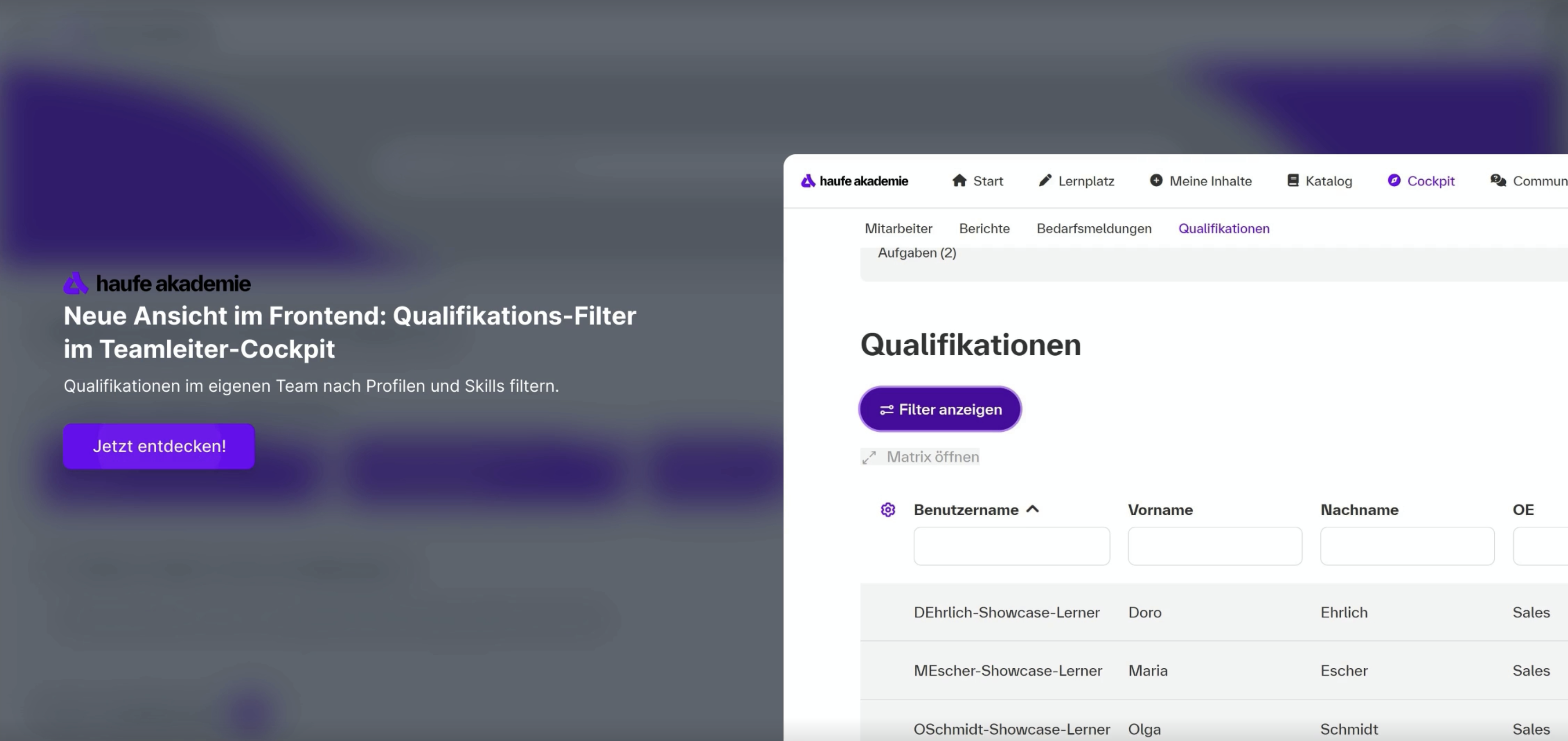
As a team leader, you can employees use the Team Leader Dashboard to filter your employees qualifications by a specific qualification profile or qualification group. The filter displays only those qualifications that actually belong to the selected profile or group—irrelevant entries are automatically hidden.
Use Case: With the new filtering options, you can more quickly match requirements from qualification profiles with existing skills and plan targeted training (e.g., using the "Languages" group). This allows you to staff projects or positions with precision, using a clear, focused overview.
New Event Notifications
Automatic notifications for event dates now include the event organizer as a recipient. The "Follow-up on event invitation" notification type also includes variables for the current number of participants, as well as the minimum and maximum number of participants. These values are automatically populated in notifications for the main event date.
With the new variables for the number of recipients and participants:
- You and your team will receive automatic notifications letting you know whether an event still needs participants or is already full
- Can targeted follow-up invitations be sent out that automatically include the initiator in the distribution list?
- Do presenters know in advance how large the group will be?
- Can the organizing team efficiently plan venues, catering, and potential additional dates?

Improved overview and management of certificates
In the backend, under "Reports → Certifications" in the navigation bar, you can now view all of your users certifications in one place. You can narrow down the list view using filters.
In addition, batch actions for “Reissue” and “Permanently delete” are available. To this end, two new permissions have been introduced: “Certifications – Read” (View) and “Certifications – Delete” (Permanently remove).
Added value:
- Certification data consolidated in one place
- Targeted filtering for audits or recertifications
- Expired certificates can be collected and reissued
- Clean data thanks to the "Bulk Delete" feature

New learning feature in the authoring tool: Interactive videos
The new feature in the authoring tool allows you to embed pop-ups within a local video, into which additional interactive elements—including single-choice and multiple-choice questions—can be incorporated.
Use case: Even more immersive learning experiences can be created by incorporating supplementary content, interactions, or links that go beyond the video content itself.
.png)
.png)
Direct user view for authors
The "Log in as user" feature in the backend allows authors to view a user's perspective for support purposes. This requires an author account with the "Log in as user" permission. With the additional "User Login Overview" permission, a list view of past login activities is also provided for transparency.
Use case:
- The "Log in as user" feature allows authors to view the users to check access rights and content.
- This makes it easier to troubleshoot issues for individual users.
Define Team Leader Substitute
Team leaders with the appropriate permissions can now designate one or more substitutes in LMS their profile settings. These substitutes are granted access to the functions and views of the team leader, and the duration of the substitution can also be specified. A user can substitute for a maximum of one team leader.
Here's how you can:
- Maintain internal processes during vacation or sick leave
- Avoid interruptions and wait times
Questions about an update?
If you have any questions about an update or feature, your project manager will be happy to assist you.