Digital reporting: data management - analysis techniques - visualization
Efficient automation and intelligent data visualization
 4.4
4.4
The Basics of Successful Digital Reporting
- Development of BI, AI and big data skills.
- Requirements for modern corporate reporting.
- The interplay of data, processes, and visualization.
- The Importance of Data Quality and Consistency for Business Management.
- The Role of Standardization and Governance in Reporting.
Data Management and Data Architecture
- Selection, integration, and harmonization of various data sources.
- Development of a consistent data model (e.g., star schema, data warehouse).
- ETL/ELT processes for data preparation and delivery.
- Architectural approaches: data warehouse, data lake, data marts, and hybrid models.
- The importance of metadata and semantic layers.
- Hands-on exercises in data modeling and AI-assisted data exploration.
Data Quality and Control Logic
- Ensuring data quality and consistency.
- Definition and standardization of key performance indicators (KPIs).
- Handling data inconsistencies and data gaps.
- Establishing a reliable set of data as the basis for analysis.
Analytical Techniques in Reporting
- Standard reporting, ad hoc analyses, and OLAP.
- Time series analysis and deviation analysis.
- The fundamentals of advanced analytics and their role in the context of reporting.
- Classification of AI-based methods as a complementary analytical option.
Report Visualization and Design
- Basic principles of effective data visualization (e.g., IBCS-based).
- Designing clear, easy-to-understand, and action-oriented reports.
- Creating dashboards for different target audiences.
- Avoiding common mistakes in visualization (information design).
- Using data to tell stories that support management decisions.
- AI-powered dashboard creation.
Automation and Further Development of Reporting
- Automation of reporting processes.
- Self-service BI and decentralized data usage.
- Use of modern tools for reporting and analysis.
- Integration of AI to support automation and analysis (e.g., anomaly detection, text generation).
- Limitations and prerequisites for the effective use of AI in reporting.
In your online learning environment, you will find useful information, downloads and extra services for this training course once you have registered.
Through numerous case studies and exercises, you'll learn in a practical way,
- how to build a stable and consistent data foundation for your reporting,
- how to systematically develop data models and key performance indicator systems,
- how to design and automate reporting processes efficiently,
- how to create informative and easy-to-understand reports and dashboards,
- how you realistically assess the use of AI and apply it strategically where it adds value.
Optionally, you can take an online exam and, depending on your score, receive a certificate in addition to your certificate of completion.
Practice-oriented lecture, case studies and exercises on the PC, discussion and optional e-exam.
Practice-oriented lecture, case studies and exercises on the PC, discussion and optional e-exam.
Technical information (live online training event)
- The training is conducted in a virtual training environment so that you have access to the required programs during the training .
- Please note that in order to use the virtual training environment, you will receive a so-called RDP file (Remote Desktop Protocol) from us, which you must open on your computer. Please talk to your IT department in advance to see if this is possible.
- The Remote Desktop Client is included in both Windows Professional and Windows Home.
controllers to establish a BICC (Business Intelligence Competence Center) or Analytics CC, business intelligence analysts, financial analysts, data scientists, subject matter experts and executives, as well as those responsible for reporting and digital controlling processes.
After successfully completing the training , you can take an optional e-exam to obtain an additional certificate in addition to your confirmation of participation. The e-exam is an online-based exam on your PC and lasts 60 minutes. You can take the exam in your own familiar environment at a time of your choosing. The exam is based on single or multiple choice questions. Once you have completed the exam, you will immediately be shown whether you have passed or failed. Once you have successfully passed the e-exam, you will receive a certificate based on your exam result.
42598
33607
- Customized training courses
- Direct application in practice
- Efficient use of time and resources
Ratings and feedback from our participants

Start dates and details


Monday, 19.10.2026
09:00 am - 5:00 pm
Tuesday, 20.10.2026
09:00 am - 5:00 pm
- one joint lunch per full seminar day,
- Catering during breaks and
- extensive working documents.

Wednesday, May 5, 2027
09:00 am - 5:00 pm
Thursday, May 6, 2027
09:00 am - 5:00 pm

Wednesday, June 16, 2027
09:00 am - 5:00 pm
Thursday, June 17, 2027
09:00 am - 5:00 pm
- one joint lunch per full seminar day,
- Catering during breaks and
- extensive working documents.

Monday, September 13, 2027
09:00 am - 5:00 pm
Tuesday, September 14, 2027
09:00 am - 5:00 pm
- one joint lunch per full seminar day,
- Catering during breaks and
- extensive working documents.
Training is guaranteed to take place- one joint lunch per full seminar day,
- Catering during breaks and
- extensive working documents.
About us - The Haufe Akademie
Your optimizer, innovator and companion since 1978 -
Your professional partner for professional development and seminars, training courses and topical conferences.
Whether on site, live online or in-house - our customised solutions, our claim to the highest level of consulting expertise and training tailored to your needs simplify the acquisition of skills for the working world of the future and sustainably facilitate professional development.
A wide range of seminars, individual coaching and our flexible formats support HR managers and decision-makers in shaping the future and developing employees, in-house teams and companies.
Experience the benefits of online training from the comfort of your own home. Our online formats meet the highest quality standards and are in no way inferior to face-to-face events in terms of practical relevance. Learn together live online in interactive groups or digitally at a time of your choice.
Do you have any questions?
We are there for you Monday to Friday 8:00 a.m. - 5:00 p.m.

Questions & Answers
In our Questions & Answers (FAQ) section, you will find all the answers and the most frequently asked questions about your selected topic.

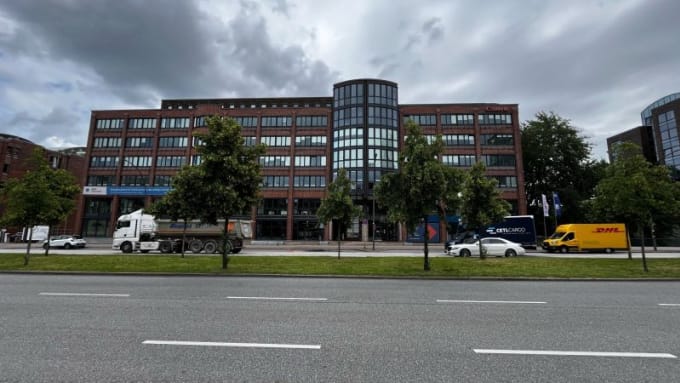
Munzinger Str. 9
79111 Freiburg

- Planning security
- Free seminar places
- Quality standards
- Planning and locations
- Funding opportunities
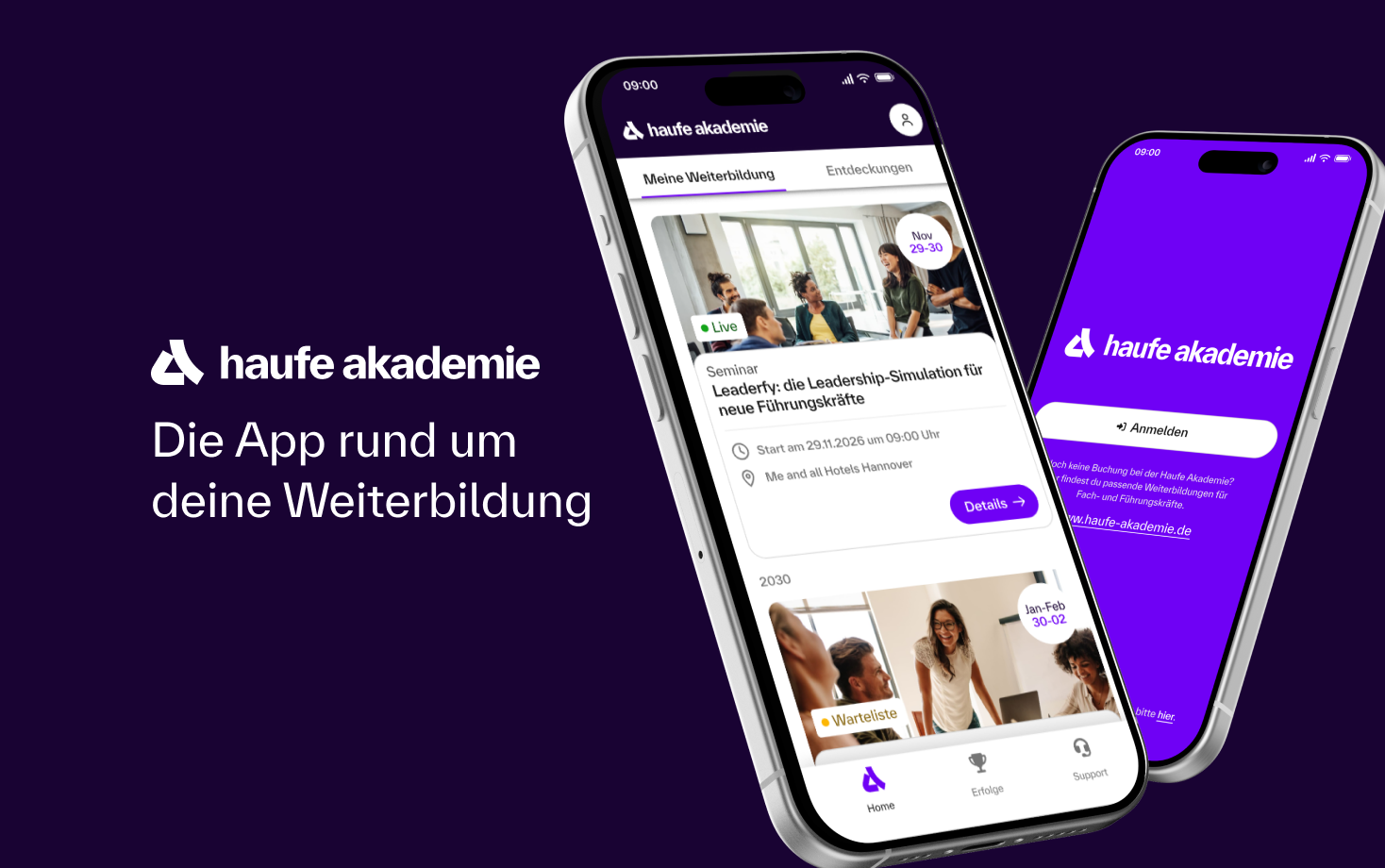
- Training app
- Business Solutions


