Data analysis and data visualization with Excel and Power BI
Using data competently - the practical course for data analysis with on-board tools
 4.6
4.6
Understanding Data
- Fundamentals of Data Analysis and Data Science.
- Exploratory Data Analysis: What's Hidden in the Data?
- Identify location, distribution, and relationships.
Visualize data
- Represent comparisons, relationships, and rankings.
- Make compositions visible.
Transform Data
- Organize and consolidate data.
- Identify and resolve data issues.
- Special Considerations in Forecasting Analyses.
Evaluate Data
- Understand and apply regression models (statistical methods for analyzing relationships) .
- Evaluating model quality: Coefficient of Determination, MAE, and MSE(= measures of deviation).
"Data Transformation" Team Challenge
- Practical exercises in structuring, merging, and cleaning data sets.
In your online learning environment, you will find useful information, downloads and extra services for this training course once you have registered.
- You clean and analyze business data in a structured way—using Excel and Power BI.
- You effectively identify the key insights from analyses and communicate them clearly.
- You effectively visualize data and tell a clear story with numbers.
- You are aware of common sources of error and critically evaluate your analyses.
- You'll apply what you've learned directly in two hands-on sessions using real data sets.
trainers-Input, presentations, practical exercises, group work, discussions, resources, and sharing of experiences
This introductory course is designed for professionals in all industries who want to understand data analysis and perform it independently using Excel or Power BI—no prior knowledge required.
Please note: Power BI Desktop is only available for Windows. Macusers can use the browser-based version (Power BI Service)—although the feature set is limited there. You can still participate in the course.

- Customized training courses
- Direct application in practice
- Efficient use of time and resources
Ratings and feedback from our participants

Start dates and details

Monday, 18.01.2027
09:00 am - 5:00 pm
Tuesday, 19.01.2027
09:00 am - 5:00 pm
Monday, May 10, 2027
09:00 am - 5:00 pm
Tuesday, May 11, 2027
09:00 am - 5:00 pm
- one joint lunch per full seminar day,
- Catering during breaks and
- extensive working documents.
About us - The Haufe Akademie
Your optimizer, innovator and companion since 1978 -
Your professional partner for professional development and seminars, training courses and topical conferences.
Whether on site, live online or in-house - our customised solutions, our claim to the highest level of consulting expertise and training tailored to your needs simplify the acquisition of skills for the working world of the future and sustainably facilitate professional development.
A wide range of seminars, individual coaching and our flexible formats support HR managers and decision-makers in shaping the future and developing employees, in-house teams and companies.
Experience the benefits of online training from the comfort of your own home. Our online formats meet the highest quality standards and are in no way inferior to face-to-face events in terms of practical relevance. Learn together live online in interactive groups or digitally at a time of your choice.
Do you have any questions?
We are there for you Monday to Friday 8:00 a.m. - 5:00 p.m.

Questions & Answers
In our Questions & Answers (FAQ) section, you will find all the answers and the most frequently asked questions about your selected topic.

Munzinger Str. 9
79111 Freiburg


- Planning security
- Free seminar places
- Quality standards
- Planning and locations
- Funding opportunities
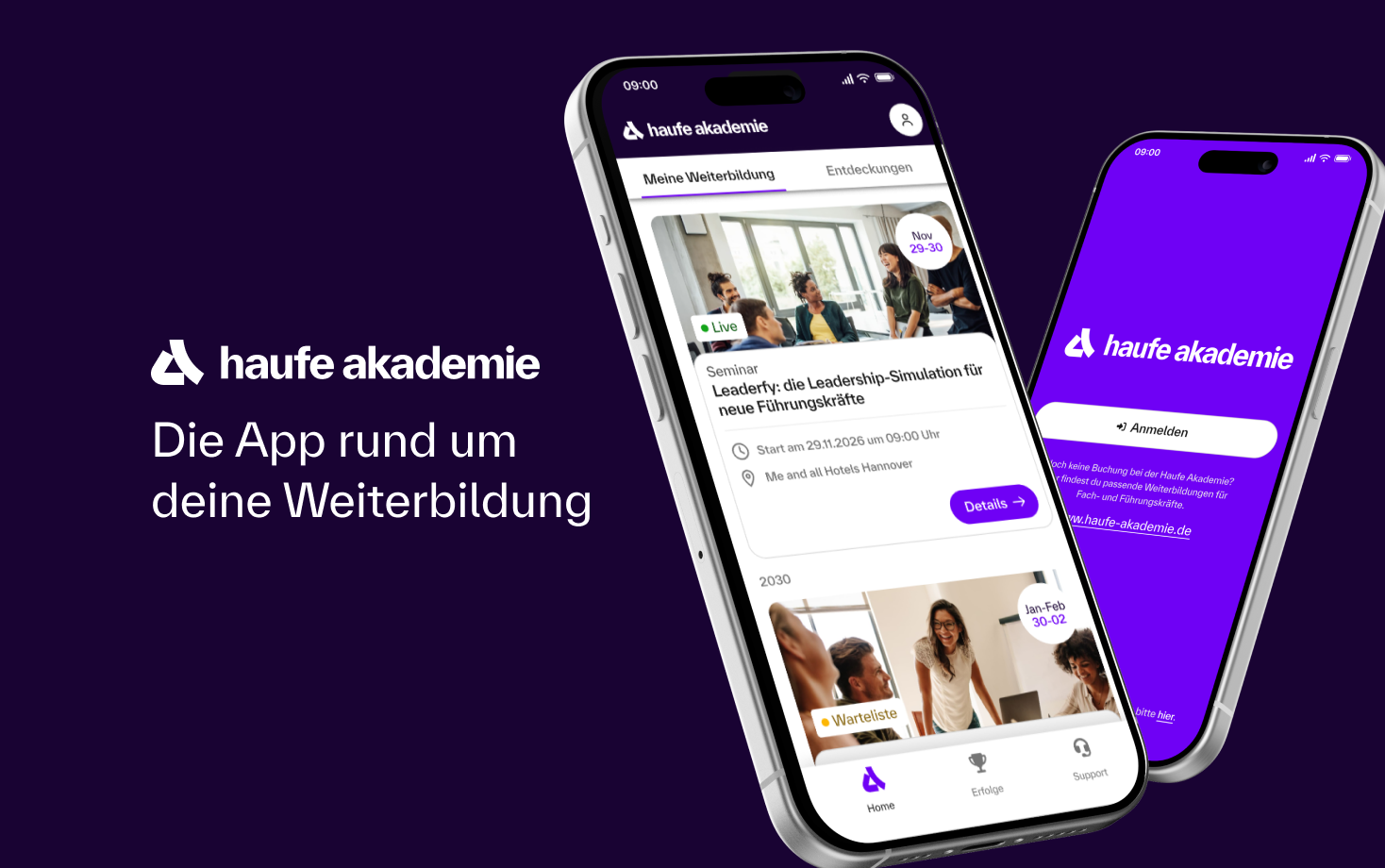
- Training app
- Business Solutions


