Invoice verification, posting, and reports with AI
Create Your Own Automated Accounting Workflows with Make and Claude

Contents
Fundamentals and Core Processes in Accounting Automation
1. Introduction and Architecture
• Why Automate Accounting in 2026? Benefits, Risks, and Regulatory Requirements.
• Mandatory e-invoicing in Germany: Obligation to receive e-invoices effective January 1, 2025; obligation to issue e-invoices effective January 1, 2027 (for companies with annual revenue exceeding 800,000 EUR) and effective January 1, 2028 (for all B2B transactions). Formats: XRechnung, ZUGFeRD 2.0.1.
• Make 2026: Triggers, modules, AI agents (native modules for Claude), error handling, repetition logic.
• Make-Pricing: Core, Pro, Teams, Enterprise. Comparison of AI agents' credit usage versus traditional workflows.
• System integration: e-mail IMAP, SMTP), cloud storage (Google Drive, SharePoint), ERP (DATEV, SAP, Lexware Office, sevDesk), payment providers (Stripe, Adyen), webhooks, and APIs.
2. Data Collection and Preprocessing
• Workflow sources: emails, upload folders, scanners, portals, Peppol inbox.
• Automatic extraction of invoice data (supplier, IBAN, VAT ID, line items) using OCR and Document AI: Mindee, Klippa, Rossum, Hypatos.
• Validations: Check required fields, verify totals, validate IBANs, and prevent duplicates.
• Workshop 1: Automated Capture of Incoming Invoices with Make. Objective: Convert PDF and ZUGFeRD files into structured data and log them.
3. Classification and Account Assignment Proposal
• Rules for suppliers regarding accounts (for example, account 3120) and keyword-based logic.
• AI assistance with Claude (Opus 4.7 and Sonnet 4.7): Heuristics for account identification and anomaly detection.
• Workshop 2: Creating automatic journal entry suggestions. Objective: Convert data into an ERP-compatible format (DATEV or SAP).
4. Data Quality, Auditing, and Error Handling
• GoBD-compliant logging of every transformation, including a timestamp and hash.
• Resolving errors through quarantine processes and automated follow-ups with suppliers.
• Daily reports and alerts in the event of deviations.
Automation of Payments, Reports, and Regulatory Updates
5. Automated payment matching
• Input: Bank statements, Stripe and Adyen exports.
• Matching strategies: Exact match (amount and purpose), fuzzy search (for example, +/- 3 days), and Claude-based heuristics.
• Creation of reconciliation proposals, discrepancy lists, and automatic triggers for the dunning process.
• Workshop 3: Automated Payment Matching. Objective: Automate the process of matching incoming payments with open items.
6. Monthly Reports and Daily e-mail Summaries
• Automation of key metrics: revenue, costs, margin, cash flow.
• Generation of automatic HTML and PDF reports, optionally as a Claude Artifact.
• Scheduled or on-demand delivery, with versioning and target audience control.
7. Automated Regulatory and Exchange Updates
• Distribute daily reports on legal and market-related developments.
• Sources: Regulatory agencies, legal portals, stock market and market news.
• Workshop 4: Morning Compliance Briefing. Objective: Set up an end-to-end workflow for daily compliance updates using Claude and Make.
8. Security, Compliance, and Audit-Proofing
• GDPR-compliant workflows: Minimize data, store it securely, and implement data deletion policies.
• Secret management for API keys, access control, and logging.
• Audit-proof documentation of all changes with immutable logs and version control.
• The EU AI Act 2026 in Practice: AI Literacy effective February 2, 2025; GPAI effective August 2, 2025; Annex III (High-Risk) effective December 2, 2027.
• EU hosting for Claude: Anthropic API with DPA and AWS Bedrock Frankfurt. Notes on hallucinations and control mechanisms.
• Cowork as a desktop tool for the team: Prepare workflows locally and transfer them to Make in a controlled manner.
In our seminars, we explicitly address the data protection requirements for the use of AI in accounting. We explain GDPR-compliant deployment options (EU hosting via Azure, AWS Bedrock, etc.), point out risks such as hallucinations, and provide specific recommendations for operational implementation.
Learning environment
Once you've logged in, you'll find useful information, downloads, and additional services related to this training program in your online learning environment: proven prompts for invoice verification, account assignment, and compliance summaries; ready-made "make" scenarios as templates; and checklists for GoBD and the EU AI Act.
Your benefit
You automate invoice recording, verification, account assignment, and transfer to your ERP system.
You are in compliance with the e-invoicing requirement and are prepared for the launch in 2027.
You save time on payment reconciliation and dunning.
You can generate monthly reports and daily compliance or stock market updates with the click of a button.
You use automated processes you have created yourself to ensure audit-proof logs, better data quality, and faster decisions.
With the included templates and prompts, you can quickly customize the workflows to suit your individual requirements.
Important note:
For hands-on participation in training , we strongly training the following paid accounts:
Make: Pro (or higher).
Anthropic: Claude Pro or Claude Max.
This is the only way you can save your exercises during the seminar and access them training after the training , use the advanced features (Artifacts, Projects, Connectors, Claude Code, Cowork), and efficiently process larger datasets. You can cancel these subscriptions immediately after the training .
In principle, you can participate in the training event without training event your own accounts. If you decide to create accounts in order to participate actively in the training event , please register on your own responsibility. In doing so, you must accept the terms of use of the services.
If you plan to use business e-mail, please check with your data protection officers beforehand. We also recommend that you do not enter any personal data in Claude and that you consider using Claude Team or Claude Enterprise for business data.
Methods
Technical presentations, tool demos, guided hands-on sessions with Make and Claude (Opus 4.7 and Sonnet 4.7), group work and peer review, case studies.
Tool
Recommended for
Specialists and managers in accounting, controlling, financial accounting, and compliance who want to automate processes using Claude and Make and stay up to date with regulatory requirements.
No programming knowledge required.
42419
- Customized training courses
- Direct application in practice
- Efficient use of time and resources
Further recommendations for "Invoice verification, posting, and reports with AI"
Start dates and details








Thursday, 06.08.2026
09:00 am - 5:00 pm
Friday, 07.08.2026
08:30 am - 4:30 pm
- one joint lunch per full seminar day,
- Catering during breaks and
- extensive working documents.

Monday, 28.09.2026
09:00 am - 5:00 pm
Tuesday, 29.09.2026
08:30 am - 4:30 pm






Monday, 02.11.2026
09:00 am - 5:00 pm
Tuesday, 03.11.2026
08:30 am - 4:30 pm
- one joint lunch per full seminar day,
- Catering during breaks and
- extensive working documents.
Thursday, 17.12.2026
09:00 am - 5:00 pm
Friday, 18.12.2026
08:30 am - 4:30 pm






Thursday, 04.02.2027
09:00 am - 5:00 pm
Friday, 05.02.2027
08:30 am - 4:30 pm
- one joint lunch per full seminar day,
- Catering during breaks and
- extensive working documents.
Thursday, 18.03.2027
09:00 am - 5:00 pm
Friday, 19.03.2027
08:30 am - 4:30 pm
Monday, May 10, 2027
09:00 am - 5:00 pm
Tuesday, May 11, 2027
08:30 am - 4:30 pm






Wednesday, June 16, 2027
09:00 am - 5:00 pm
Thursday, June 17, 2027
08:30 am - 4:30 pm
- one joint lunch per full seminar day,
- Catering during breaks and
- extensive working documents.
Wednesday, September 15, 2027
09:00 am - 5:00 pm
Thursday, September 16, 2027
08:30 am - 4:30 pm
Training is guaranteed to take place- one joint lunch per full seminar day,
- Catering during breaks and
- extensive working documents.
You might also be interested in:
About us - The Haufe Akademie
Your optimizer, innovator and companion since 1978 -
Your professional partner for professional development and seminars, training courses and topical conferences.
Whether on site, live online or in-house - our customised solutions, our claim to the highest level of consulting expertise and training tailored to your needs simplify the acquisition of skills for the working world of the future and sustainably facilitate professional development.
A wide range of seminars, individual coaching and our flexible formats support HR managers and decision-makers in shaping the future and developing employees, in-house teams and companies.
Experience the benefits of online training from the comfort of your own home. Our online formats meet the highest quality standards and are in no way inferior to face-to-face events in terms of practical relevance. Learn together live online in interactive groups or digitally at a time of your choice.
Do you have any questions?
We are there for you Monday to Friday 8:00 a.m. - 5:00 p.m.

Questions & Answers
In our Questions & Answers (FAQ) section, you will find all the answers and the most frequently asked questions about your selected topic.

Munzinger Str. 9
79111 Freiburg

- Planning security
- Free seminar places
- Quality standards
- Planning and locations
- Funding opportunities
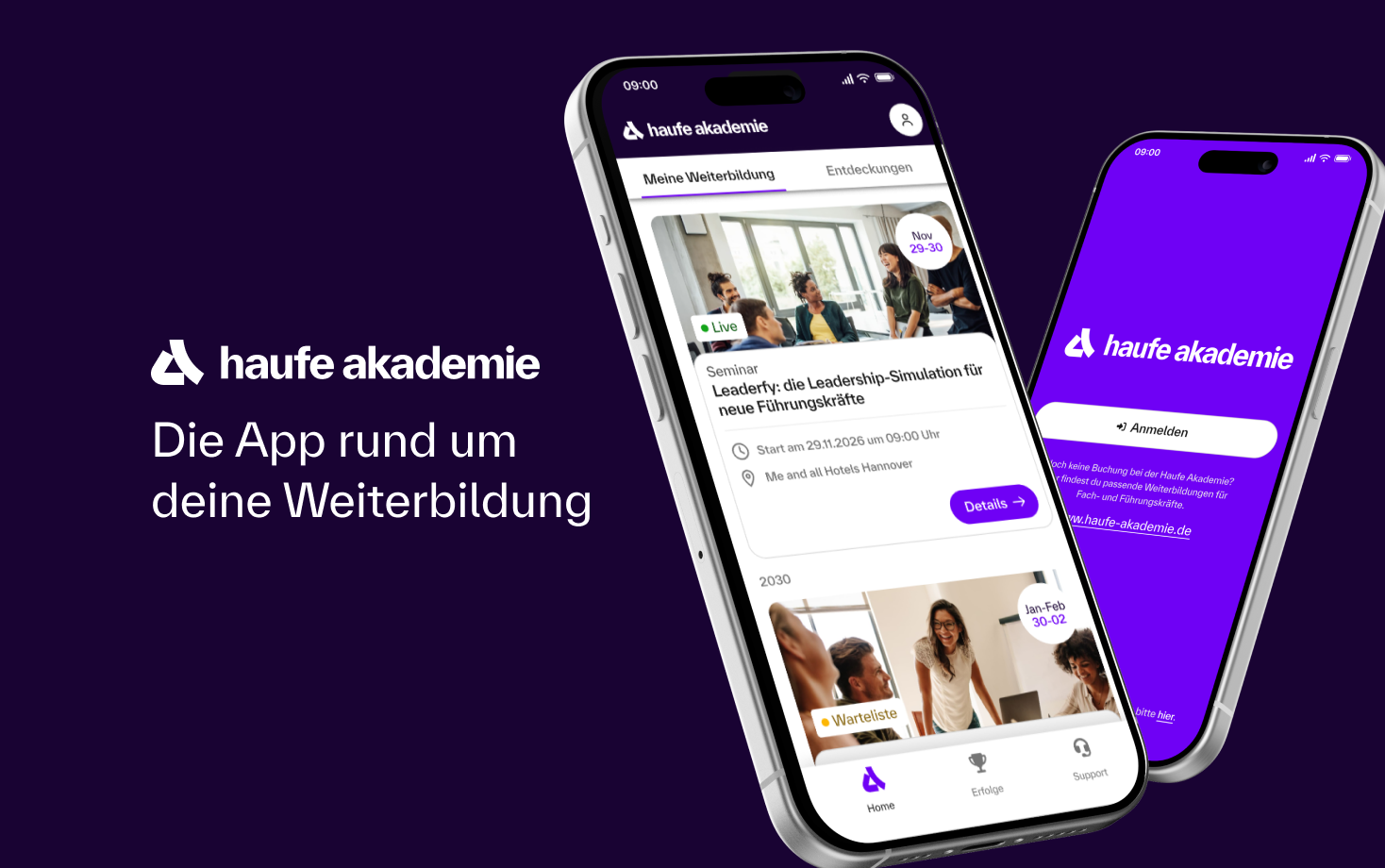
- Training app
- Business Solutions


