Microsoft Copilot in Purchasing – A Hands-On Workshop
Optimize your daily shopping routine with Microsoft's AI assistant
 4.6
4.6
Introduction to Microsoft Copilot:
- The basics of Copilot technology and how it works—from Copilot Chat to Microsoft 365 Copilot in Office applications.
Use cases in purchasing:
- Practical examples of how Copilot can be used in procurement—such as communicating with suppliers in Outlook, comparing quotes in Excel, drafting contracts and documents in Word, and summarizing meetings in Teams.
Strategies for purchasing:
- Developing strategies for the optimal integration of Copilot into the procurement process—including prompting techniques and handling of company data.
Practical exercises:
- Participants will create their own scenarios based on their everyday purchasing experiences through individual and group exercises and develop solutions using Copilot.
Discussion and exchange of experience:
- Participants share their experiences and best practices regarding the use of Copilot in the procurement sector.
Please bring training event own laptop to training event !
In your online learning environment, you will find useful information, downloads and extra services for this training course once you have registered.
Upon completion of the seminar, participants will have acquired the ability to effectively use Microsoft Copilot in procurement to save time, make better decisions, and optimize procurement processes. Since Copilot is directly integrated into the Microsoft 365 applications used on a daily basis, the workflows learned can be seamlessly incorporated into everyday work. In addition, participants will gain the ability to inform colleagues the company about the benefits of Copilot in the procurement field.
Presentation: Presentation of the basics and use cases by the trainer.
Discussion: Interactive discussions about the opportunities and challenges of using Copilot in procurement.
Group work: Group exercises for the joint development of solutions and strategies.
Individual exercises: Hands-on exercises on how to use Copilot in the purchasing department.
Please note:
In general, you can participate in the training event if you don’t have your own Microsoft 365 Copilot license. The free version of Microsoft Copilot (copilot.microsoft.com) is sufficient for most exercises.
To experience the full range of features in Word, Excel, Outlook, PowerPoint, and Teams in a practical setting, a Microsoft 365 work account with a Microsoft 365 Copilot license is recommended. Please clarify the use of training with your IT department and your data protection officers training —especially if a business account is being used. Microsoft’s terms of use apply. We recommend that you do not enter any personal data or confidential company data in the exercises.
purchasing managers, purchasers employees who are directly or indirectly involved in procurement processes and wish to expand their knowledge of using artificial intelligence—particularly Microsoft Copilot—in the procurement process. Prior experience with Microsoft 365 applications (Outlook, Word, Excel) is helpful but not required.
Questions about the seminar content
In the “ training ,” you’ll learn how to use Microsoft Copilot effectively in your day-to-day procurement work to streamline processes and save time. Using specific use cases, you’ll learn, for example, how Copilot can assist you with supplier communication in Outlook, comparing quotes in Excel, or creating documents in Word. This will help you understand which tasks Copilot truly adds value to and how to effectively integrate the AI assistant into your procurement processes.
No, for most exercises in the “ training ,” the free version of Microsoft Copilot is sufficient. If you’d like to try out the full range of features directly in applications such as Word, Excel, Outlook, PowerPoint, or Teams, we recommend obtaining a Microsoft 365 Copilot license. If you’d like to use a business account for this purpose, you should check with your company in advance to see if—and under what conditions—you can use it during the seminar.
In the " training ," you’ll learn, through practical use cases, how Copilot can assist you with recurring tasks. These include, for example, communicating with suppliers, preparing information, and working with documents and data. You’ll also learn how to achieve better results by using the right prompts. This will help you more easily identify which routines are suitable for using Copilot and how you can save time in your day-to-day procurement work.
The " training " focuses on the practical application of Microsoft Copilot. Through hands-on exercises, you’ll work on real-world scenarios from the field of procurement and explore various ways to use the tool. You’ll have the opportunity to test how Copilot can assist you, for example, with supplier communication, comparing quotes, or creating and formatting documents. This will give you a realistic sense of what’s possible with Copilot and which applications are best suited for your own procurement processes.
In the “ training ,” you’ll not only learn about the capabilities of Microsoft Copilot, but you’ll also explore the challenges of using it in a professional setting. This includes, in particular, handling company data responsibly. You’ll learn what to keep in mind when using the tool and how to effectively integrate Copilot into existing procurement processes. This will help you better assess which tasks Copilot is suited for and where the technology requires particularly careful handling.
- Customized training courses
- Direct application in practice
- Efficient use of time and resources
Additional recommendations for “Microsoft Copilot in Procurement – A Hands-On Workshop”
Ratings and feedback from our participants

Start dates and details


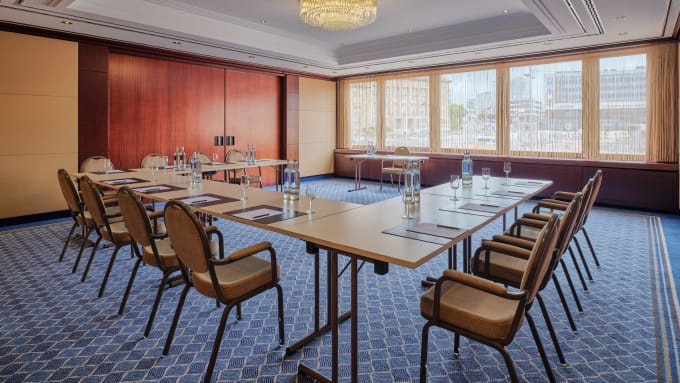





Tuesday, 17.11.2026
09:00 am - 5:00 pm
Wednesday, 18.11.2026
09:00 am - 5:00 pm
- one joint lunch per full seminar day,
- Catering during breaks and
- extensive working documents.
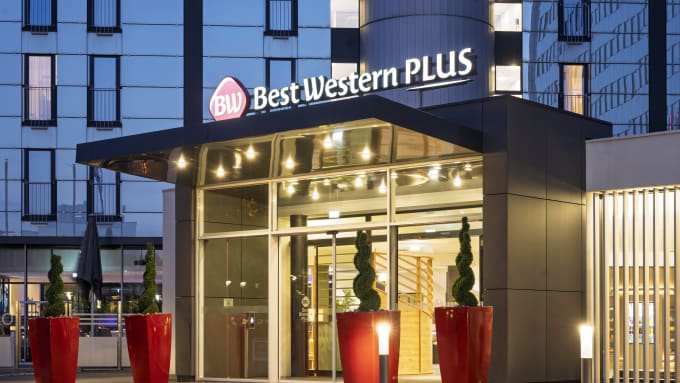

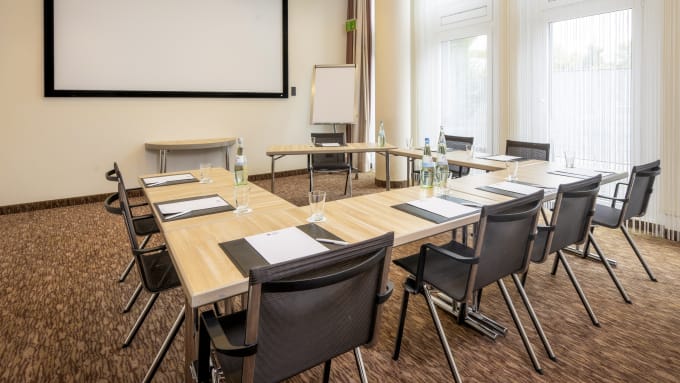




Wednesday, 03.03.2027
09:00 am - 5:00 pm
Thursday, 04.03.2027
09:00 am - 5:00 pm
- one joint lunch per full seminar day,
- Catering during breaks and
- extensive working documents.
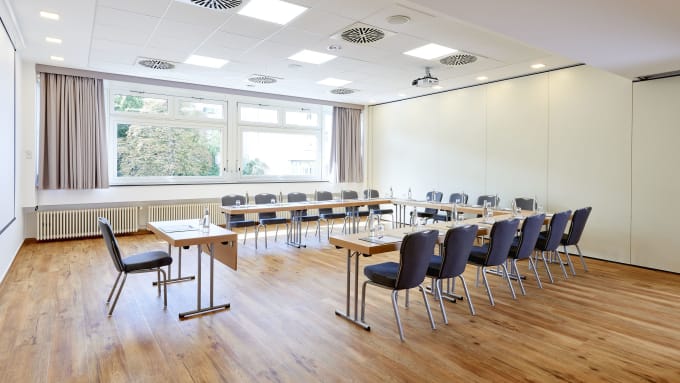



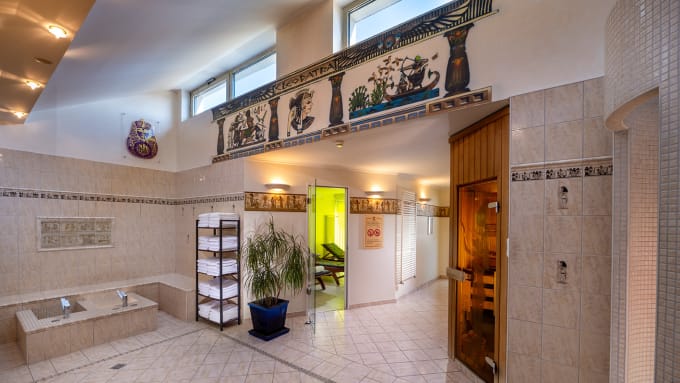


Monday, June 14, 2027
09:00 am - 5:00 pm
Tuesday, June 15, 2027
09:00 am - 5:00 pm
- one joint lunch per full seminar day,
- Catering during breaks and
- extensive working documents.


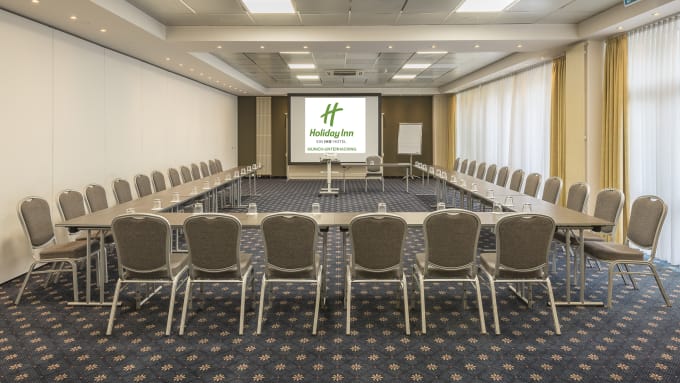




Thursday, September 16, 2027
09:00 am - 5:00 pm
Friday, September 17, 2027
09:00 am - 5:00 pm
- one joint lunch per full seminar day,
- Catering during breaks and
- extensive working documents.
Training is guaranteed to take place- one joint lunch per full seminar day,
- Catering during breaks and
- extensive working documents.
- one joint lunch per full seminar day,
- Catering during breaks and
- extensive working documents.
You might also be interested in:
About us - The Haufe Akademie
Your optimizer, innovator and companion since 1978 -
Your professional partner for professional development and seminars, training courses and topical conferences.
Whether on site, live online or in-house - our customised solutions, our claim to the highest level of consulting expertise and training tailored to your needs simplify the acquisition of skills for the working world of the future and sustainably facilitate professional development.
A wide range of seminars, individual coaching and our flexible formats support HR managers and decision-makers in shaping the future and developing employees, in-house teams and companies.
Experience the benefits of online training from the comfort of your own home. Our online formats meet the highest quality standards and are in no way inferior to face-to-face events in terms of practical relevance. Learn together live online in interactive groups or digitally at a time of your choice.
Do you have any questions?
We are there for you Monday to Friday 8:00 a.m. - 5:00 p.m.

Questions & Answers
In our Questions & Answers (FAQ) section, you will find all the answers and the most frequently asked questions about your selected topic.

Munzinger Str. 9
79111 Freiburg


- Planning security
- Free seminar places
- Quality standards
- Planning and locations
- Funding opportunities
- Training app
- Business Solutions


